


01
Data Migration
ERP Migrator
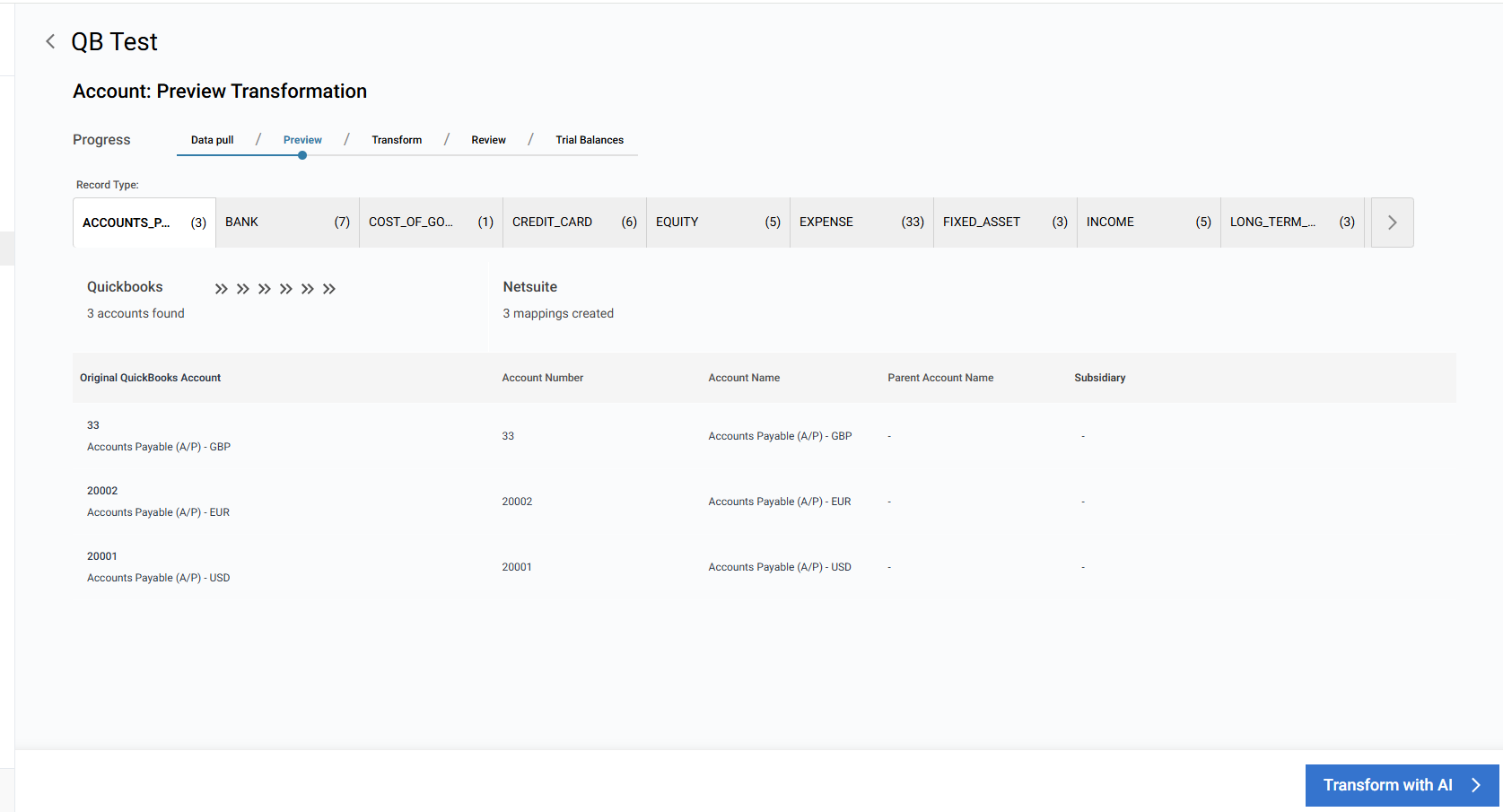
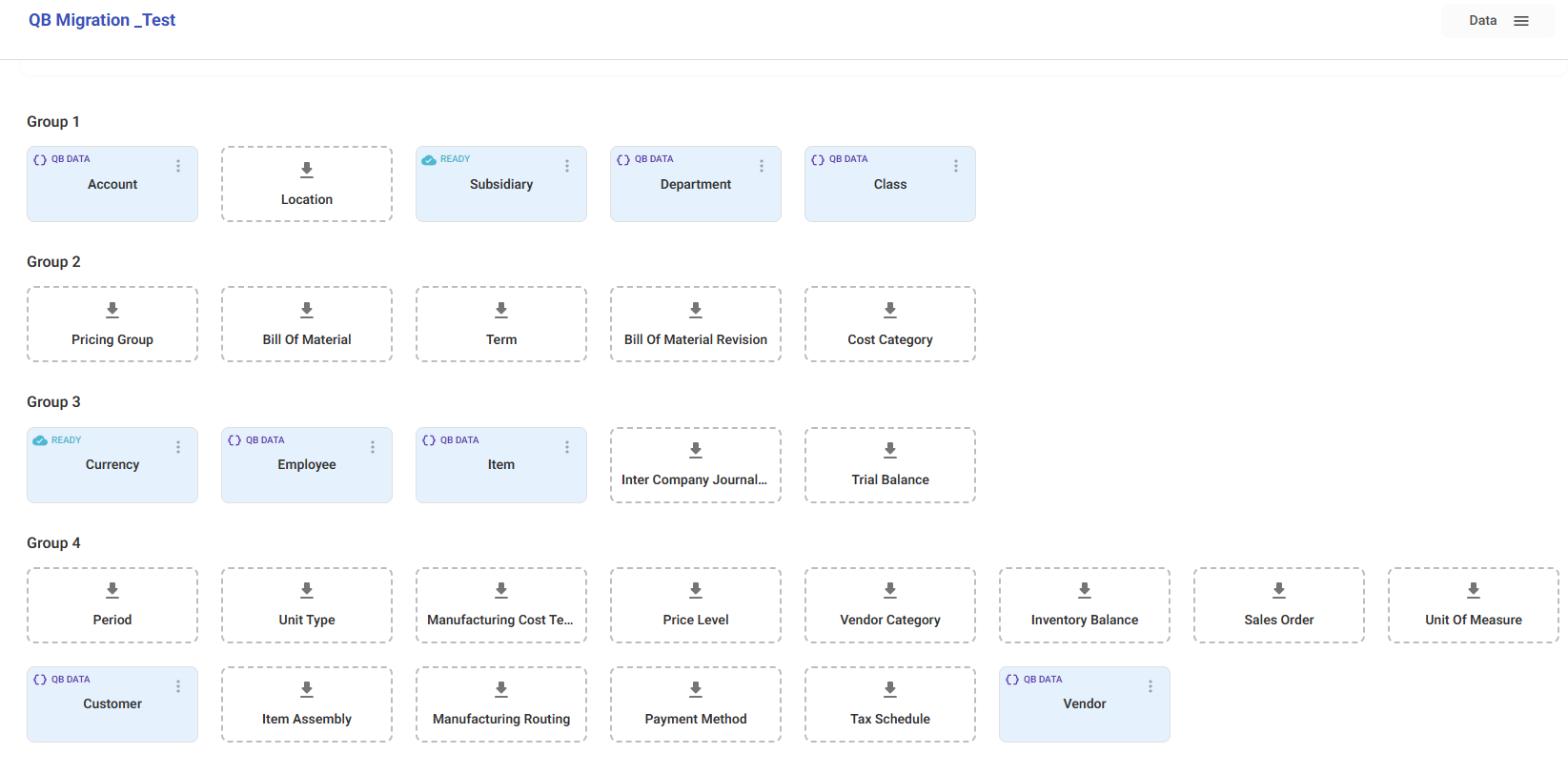
Move customers, vendors, items, open transactions, and more into your ERP with templates, validations, and rollbacks no brittle scripts.






Indogen builds specialized apps that snap into your ERP to remove manual entry and paper‑based processes. Start with ERP Migrator and What’s in the Box with more apps on the way.




Move customers, vendors, items, open transactions, and more into your ERP with templates, validations, and rollbacks no brittle scripts.
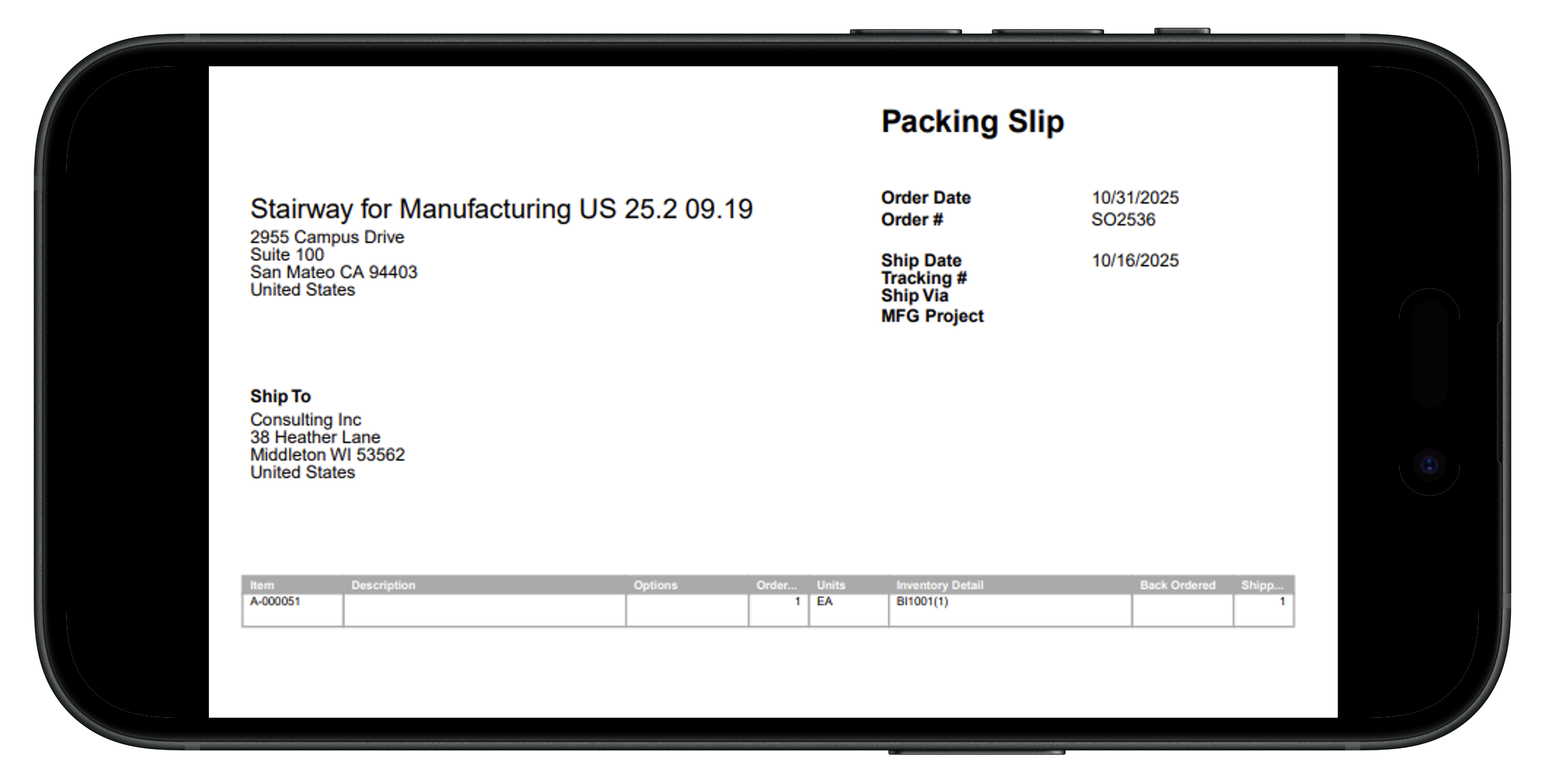
Snap a photo of a packing list and create accurate Item Receipts in your ERP automatically. Faster receiving, fewer errors, real‑time inventory.

We are currently building out a series of new apps to get the most out of your ERP
“Honestly, we didn’t realize how much time we were wasting until we started using What’s in the Box. Now we just snap a photo of the packing slip and boom everything’s in NetSuite. It’s magic.”

We were dreading the QuickBooks migration then we found ERP Migrator. We just mapped our fields, ran a test batch, and everything posted perfectly. Easiest migration I’ve ever been part of.
ERP Migrator saved our implementation timeline. Our QuickBooks data went straight into NetSuite cleanly, accurately, and fast — no consultants, no rework, no surprises
What’s in the Box turned our receiving process from chaos into consistency. Our team scans a packing slip, and within seconds, the Item Receipt is in NetSuite — no typing, no double-checking.



What’s in the Box lets your team snap a photo of a packing slip and automatically create Item Receipts in your ERP. The app uses OCR and validation to match items, quantities, and POs — eliminating manual entry and posting errors.
It currently integrates natively with NetSuite with plans to support Acumatica and Microsoft Dynamics 365 Business Central. Additional ERP connectors can be added on request.
Yes — What’s in the Box supports multi-box shipments, partial receipts, and serialized/lot tracked items. The app flags discrepancies so you can receive what’s physically there and post the rest later.
The AI engine is tuned for packing lists and purchase orders, achieving 98–99% accuracy on standard formats. You can quickly review and edit extracted data before posting to ensure perfection.
ERP Migrator uses pre-built templates and smart field mappings to import customers, vendors, items, open transactions, and balances directly into your ERP. You can validate data before posting, catch errors instantly, and complete migrations in hours instead of weeks.
Absolutely. You can run test batches in a sandbox environment, preview results, and fix any issues before promoting to production. The app provides full error logs and audit trails for every import.
Yes — ERP Migrator supports custom fields, segments, and record types. You can map legacy data to any custom setup in your ERP, ensuring your migration fits your business, not the other way around.
It currently integrates natively with NetSuite with plans to support Acumatica and Microsoft Dynamics 365 Business Central. Additional ERP connectors can be added on request.


